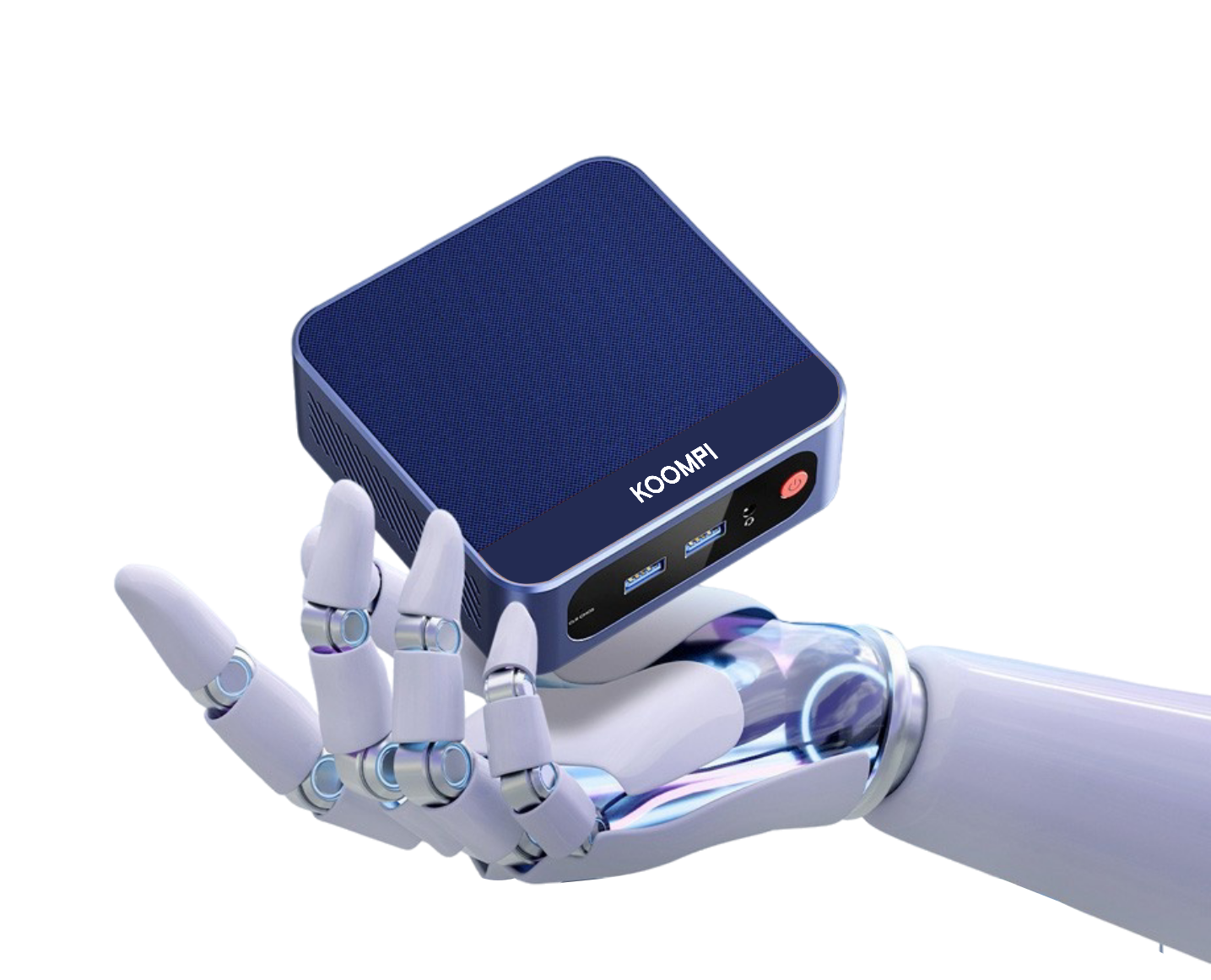
KOOMPI Mini
Compact. Silent. Powerful enough for AI. Your personal server that fits on your desk and runs 24/7.
Order Now — $369Preinstalled with OpenClaw. Pre-configured for AI. Just plug in, scan the QR code, and start chatting with your personal AI assistant. No technical skills required.
+ AI Gateway API usage (pay only for what you use)
Compact. Silent. Powerful enough for AI. Your personal server that fits on your desk and runs 24/7.
Order Now — $369Every port you need. Clean layout. Built to last.
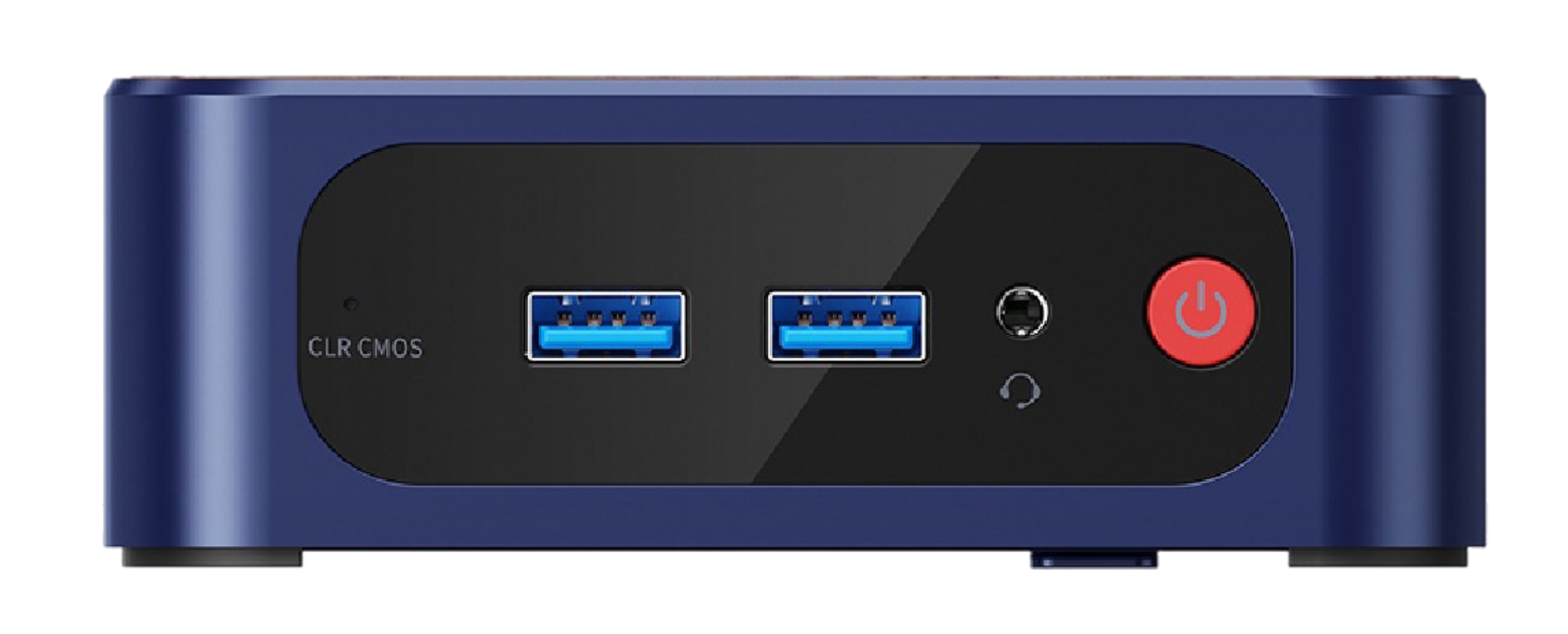
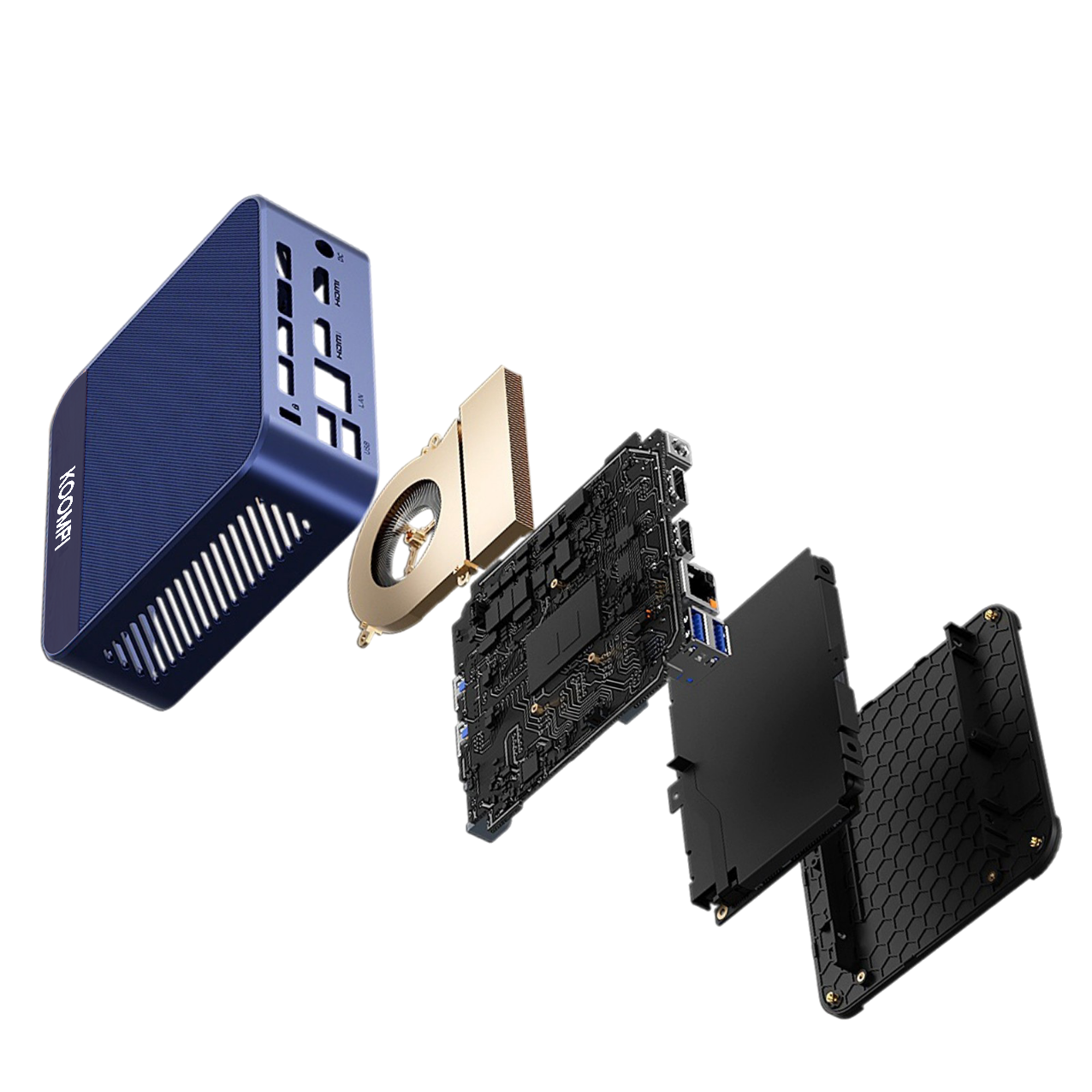
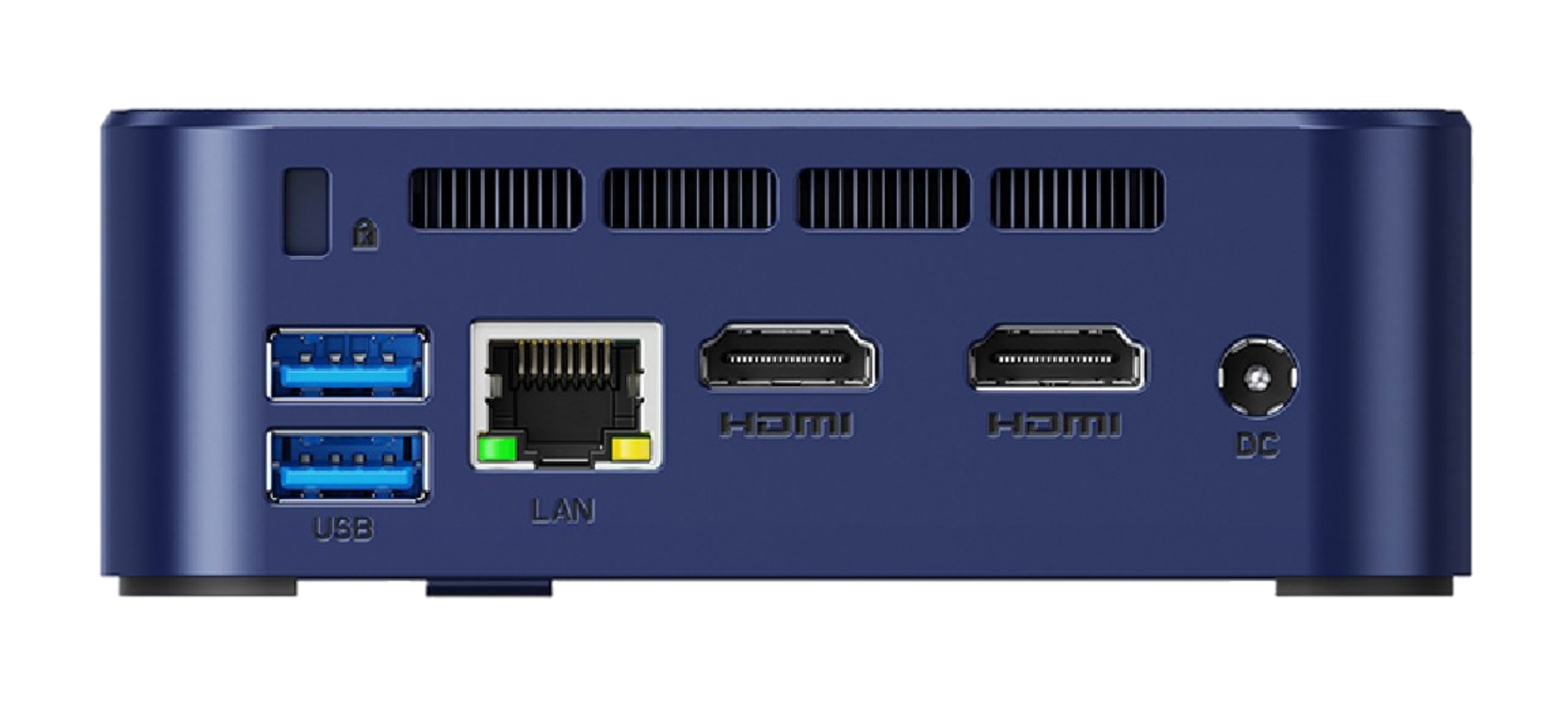
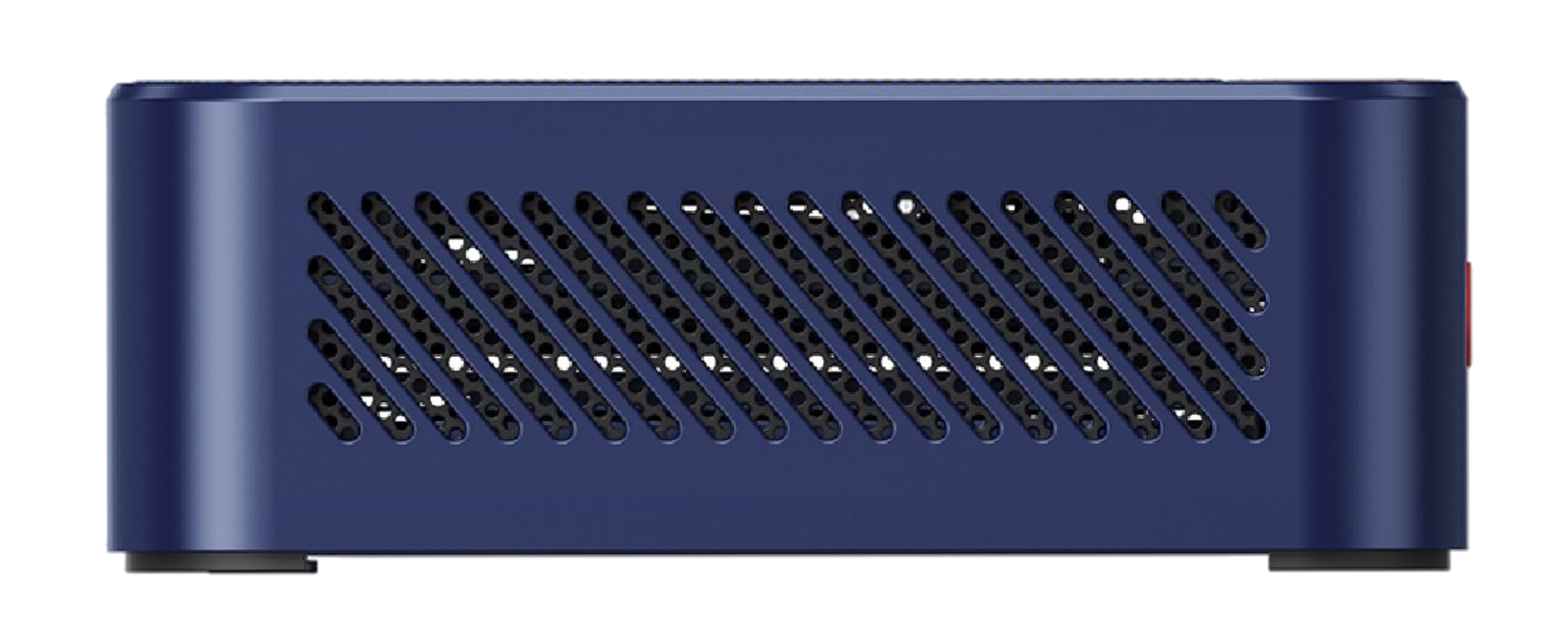
Everything you need to get started. Carefully curated, thoughtfully packaged.
OpenClaw preinstalled, configured, and ready to boot
Power adapter included (15W, low power consumption)
Built-in WiFi 6 + Bluetooth 5.2 for fast connectivity
Step-by-step instructions to get you chatting in 5 minutes
Built for 24/7 operation. Silent. Efficient. Powerful.
From unboxing to chatting with your AI. No technical skills required.
Plug in the power adapter and press the power button. OpenClaw boots automatically — no installation, no configuration, no command line. Just wait about 60 seconds for it to initialize.
A QR code appears on the screen or in the Quick Start Guide. Scan it with your phone camera — this opens the onboarding portal where you'll set everything up.
Sign up with your email or phone number. This gives you access to KConsole (deployments), KStorage (CDN), and the AI Gateway (LLM access). Your account ties everything together.
Add credits to your AI Gateway account — start with as little as $1. Pay only for what you use. No monthly subscription, no waste. Credits power your AI conversations.
The onboarding wizard guides you through creating a Telegram bot via @BotFather. Takes about 2 minutes. Just follow the steps — copy/paste the token and you're done.
Open Telegram and send a message to your new bot. Your AI assistant responds instantly. It remembers, it learns, it helps with anything. Welcome to personal AI.
Which path is right for you?
$369 one-time purchase. No subscription. Pay only for AI tokens as you use them. Your data stays on your hardware.